
How to Use a Generator Size Calculator for Home Power Planning
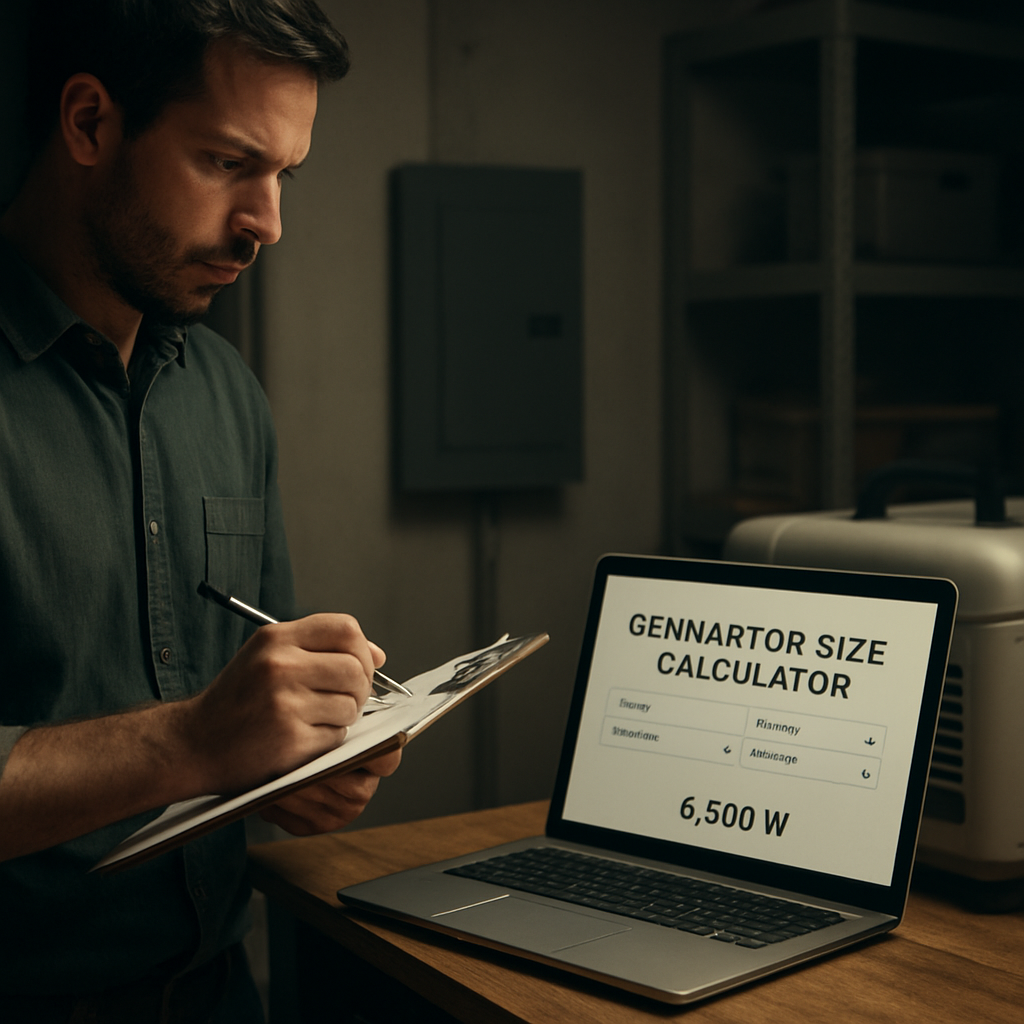
Ever stared at a wall of blackout lights during a storm and wondered if a generator could keep your fridge humming and your Wi‑Fi alive?
You’re not alone—most homeowners panic the first time the power flickers, because they have no clue how many watts they actually need.
That’s where a generator size calculator for home comes in. It asks you simple questions—what appliances you run, how long you want them to stay on, and whether you plan to charge an electric vehicle.
Take Maria, a suburban mom of two. She listed her refrigerator (700 W), a 1,200 W electric stove, a 300 W sump pump, and a 5,000 W EV charger. Plugging those numbers into the calculator showed she needed at least an 8,000‑watt unit, not the 5,000‑watt model she was eye‑balling at the hardware store.
Or think about Jim, who runs a home office with three monitors, a desktop PC, and a high‑speed router. His total came to about 1,200 W, so a compact 2,000‑watt portable generator would cover his needs without breaking the bank.
Here’s a quick three‑step routine you can follow right now: 1️⃣ List every device you can’t live without during an outage. 2️⃣ Find each device’s running wattage (usually on the label or in the manual). 3️⃣ Add a 20‑25 % safety margin to cover startup surges.
A handy tip from energy experts: always size up for future upgrades. If you’re thinking about adding a solar‑powered battery or an EV charger next year, include that extra load now so you don’t have to buy a second generator later.
Once you have the number, browse the home electronics section for generators that match your wattage range, read reviews, and compare warranties.
And if you’re an EV owner wondering whether your charger can hook up to a generator, check out this AI‑powered EV assistant for guidance on compatible power setups.
So grab a pen, fire up the calculator, and you’ll walk away with a clear picture of the exact generator size that keeps your home running smoothly, no matter what the grid throws at you.
TL;DR
Use our generator size calculator for home to instantly pinpoint the exact wattage you need, avoiding undersized units and costly upgrades.
Just list essential devices, input their running watts, add a safety margin, and you’ll choose a portable generator that keeps lights on, fridge cold, and your EV charger ready.
Step 1: Assess Your Home’s Electrical Load
First thing’s first – you need to know exactly how much juice your house will ask for when the grid goes dark. It feels a bit like figuring out how many snacks to pack for a road trip: you don’t want to run out, but you also don’t want to waste space.
Grab a notebook or open a spreadsheet and start listing every appliance you can’t live without. Think beyond the obvious – the fridge and lights – and include things like your sump pump, garage door opener, or that electric vehicle charger you’ve been dreaming about.
Find the running watts
Each device has a label with its running wattage. It might say “120 W” or “1500 W”. If you can’t find a label, the user manual usually has a spec sheet, or you can do a quick Google search for the model plus “watts”.
Pro tip: for devices with motors (think refrigerator compressor or AC units), note the starting surge – it can be 2‑3 times the running wattage. That’s why we add a safety margin later.
Do the math – add a safety cushion
Once you have a raw total, multiply it by 1.2‑1.25. That extra 20‑25 % covers those pesky start‑up surges and leaves a little breathing room for future upgrades.
Example: Maria’s list added up to 7,400 W. After the 25 % buffer, she landed at about 9,250 W, meaning an 10,000‑watt generator would be a safe bet.
And if you’re an EV owner wondering whether your charger can hook up to a generator, check out this AI‑powered EV assistant for guidance on compatible power setups.
Now, let’s make this process visual. Below is a quick video that walks you through using a typical generator size calculator – you’ll see exactly where to plug those numbers in.
Notice how the calculator asks for both running and surge watts. That’s the moment you double‑check those motor‑driven appliances.
When you’ve nailed down a final wattage, you can start browsing the home electronics section for generators that match your needs. Look for models that list a continuous (running) watt rating that meets or exceeds your calculated total.
If you’re already planning a bigger renovation – maybe adding a new workshop or expanding your solar‑plus‑storage system – a quick read of the rural builder guide can give you ideas on how to integrate a generator into your overall electrical plan.
Finally, give yourself a sanity check: run through your list one more time and ask, “If the power went out right now, which of these items would I miss the most?” Those are your priority loads, and they should be the first things you feed into the calculator.
Step 2: Choose the Right Generator Type
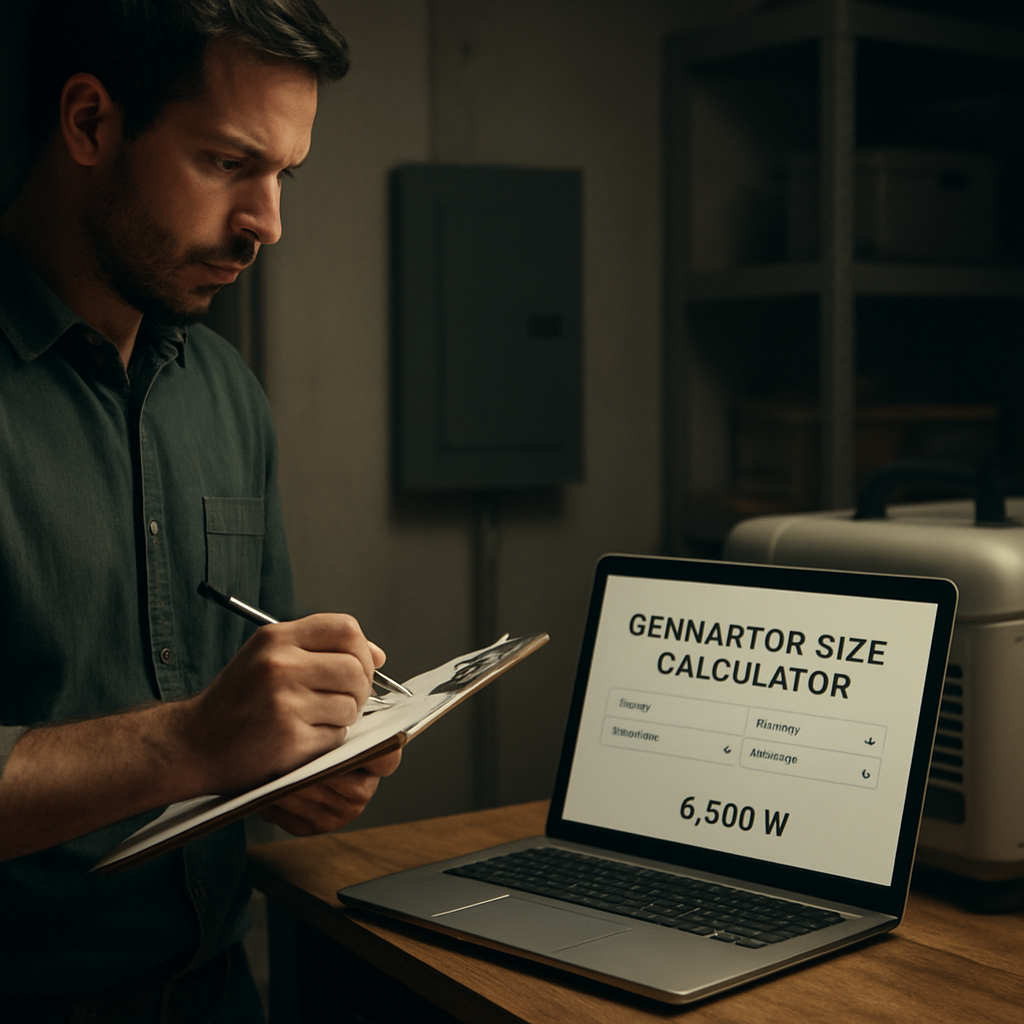
Now that you’ve fed your numbers into the generator size calculator for home, the next question is: what kind of machine actually fits those watts?
There’s a common misconception that “bigger is always better.” Not true. The right generator type depends on how you plan to use it, where you’ll park it, and what fuel you’re comfortable storing.
Three basic families you’ll run into
- Portable gasoline generators. Light enough to roll out of a garage, plug‑in ready, and usually priced under $1,000. Great for short outages and for powering a handful of essentials.
- Standby (whole‑home) generators. Permanently installed, connect to a transfer switch, and run on natural gas or propane. They fire up automatically and can keep your whole house alive.
- Inverter generators. A sub‑category of portable units that produce clean, stable power ideal for sensitive electronics like laptops or EV chargers.
That list might feel like a grocery catalog, but here’s a quick way to narrow it down: ask yourself three questions.
1. How many circuits do I need to protect?
If you only need the fridge, a few lights, and maybe the Wi‑Fi router, a portable unit with the wattage you calculated will do. If you want heating, AC, and multiple rooms humming, you’re looking at a standby system.
2. Where will I keep the generator?
Portables love a garage shelf or a weather‑proof cabinet. Standby units hide outside your home, attached to the natural‑gas line, so you don’t have to think about fuel deliveries every few months.
3. What fuel is most convenient for me?
Gasoline is easy to buy but has a short shelf life. Propane stores indefinitely and burns cleaner, while natural gas is the hands‑off option if you already have a line at home. ANR Electric explains the pros and cons of each fuel type, which can help you decide.
Once you’ve answered those, match the answer to a generator type. For example, Sarah from step 1 wanted to keep her home office and a window AC running. Her calculator showed 2,200 W. A portable inverter that delivers 2,500 W on gasoline would cover her needs and still be light enough to store in a closet.
On the other hand, the Patel family planned to power a workshop, a well pump, and an electric water heater—roughly 4,500 W. That’s a classic standby scenario. A 5,000‑watt natural‑gas unit wired to a transfer switch would spin up automatically when the grid drops, and they wouldn’t have to remember to pull the generator out of the garage.
Here’s a handy checklist you can paste onto your fridge:
- Identify essential circuits (refrigerator, furnace, sump pump, EV charger).
- Look at the wattage from your calculator.
- Choose portable vs. standby based on circuit count and convenience.
- Select fuel: gasoline for occasional use, propane for longer storage, natural gas for set‑and‑forget.
- Confirm the chosen model meets or exceeds the calculated wattage.
And because a generator is an investment, think about maintenance early. Portable units need oil changes every 100 hours, while standby models often come with service contracts that cover annual load testing.
Still unsure which path to take? Many homeowners find a quick call to a local electrician clarifies the wiring requirements and ensures the transfer switch is sized correctly. It’s a small step that prevents a costly re‑work later.
Below is a short video that walks through the main differences between portable, standby, and inverter generators, so you can visualize what each looks like in a real‑world setup.
Take a moment to watch, then go back to your calculator results. If the number you got sits comfortably within the range of a portable inverter, you probably don’t need to spend a thousand dollars on a whole‑home standby system. If it pushes past 4,000 W, start looking at standby options and talk to a pro about gas line access.
Bottom line: the “right” generator type is the one that matches your calculated load, fits your storage space, and runs on a fuel you’re willing to keep on hand. Pick wisely, and you’ll have peace of mind the next time the lights flicker.
Step 3: Use the Generator Size Calculator Tool
Now that you’ve tallied every watt, it’s time to feed those numbers into the actual calculator. Think of the tool as your personal power‑budget spreadsheet, but it does the math for you and even warns you when you’re about to undersize.
Step‑by‑step walk‑through
1️⃣ Open the generator size calculator for home on your browser. The page walks you through three simple fields: total running watts, a safety‑margin percentage, and your preferred fuel type.
2️⃣ Paste the watt total you derived in Step 1. If you counted 2,300 W, type “2300.” Most calculators will automatically suggest adding the industry‑standard 20‑25 % buffer, but you can tweak it if you know you’ll run heavy loads like an AC unit.
3️⃣ Choose your fuel. Gasoline is cheap up front, propane stores forever, and natural gas runs cleanly. The calculator will adjust the required generator capacity because some fuels deliver slightly more kilowatts per unit.
4️⃣ Hit “Calculate.” The result shows the minimum kilowatt rating you need, plus a recommended generator model range that meets or exceeds that rating.
What the numbers really mean
Say your adjusted total comes out to 2.8 kW. That translates to a 3,000‑watt generator recommendation. If you’re eyeing a portable inverter, look for a unit that lists “3,000 W peak, 2,500 W running” – the peak covers motor start‑ups, the running covers steady loads.
For standby systems, the calculator often suggests a slightly larger unit (around 10 % extra) to handle multiple circuits firing at once. This is why the same household might see a 5 kW standby suggestion even though the portable figure is 3 kW.
Real‑world examples
Example A – The home office guru. Maria (from our intro) entered 8,000 W for her fridge, electric stove, sump pump, and EV charger. The tool bumped her to 9,600 W after the 20 % safety margin. She then filtered results to “inverter portable” and found a 10,000‑watt unit that fits in her garage.
Example B – The weekend‑warrior. The Patel family added a 1,200‑W treadmill, a 150‑W TV, and an 800‑W water heater. Their raw total was 2,150 W; the calculator gave 2,580 W (20 % margin). They chose a 3,000‑watt standby generator that can auto‑start when the grid drops.
Tips from the pros
- Double‑check the “starting watts” for any motor‑driven appliance. A well pump might list 1,000 W running but 2,500 W starting – add that extra headroom.
- Run the calculator twice: once with a 20 % margin, once with 25 %. If the recommended size jumps a whole unit size, err on the higher side.
- Consider future loads. If you plan to add a second EV charger next year, include its 5,000 W demand now; otherwise you’ll have to buy a second generator later.
- Use the fuel‑consumption calculator to estimate how many gallons of gasoline or propane you’ll burn during a typical 8‑hour outage. Knowing the cost helps you budget for fuel storage.
Putting it all together
Once you have the kilowatt recommendation, head back to Immaculon’s catalog and filter by that rating. You’ll see a selection of generators that already meet the calculator’s specs. If you need storage ideas, check out our Generators & Portable Power collection – it includes sturdy cabinets and weather‑proof covers that keep the unit ready for the next storm.
Before you click “add to cart,” give the product a quick glance at the warranty and maintenance schedule. Most reputable brands suggest oil changes every 100 hours for portable units and annual service contracts for standby models.
Don’t forget the bigger picture
Power reliability is just one piece of home protection. Pairing a correctly sized generator with a solid financial safety net, like mortgage protection insurance, ensures you’re covered both when the lights go out and when unexpected expenses arise. Learn more in this mortgage protection insurance guide.
Take a few minutes now, run the calculator, and you’ll walk away with a clear, numbers‑backed plan. No more guessing, no more “maybe it’ll work.” Just a confident choice that matches your home’s true power needs.
Step 4: Interpret the Results and Adjust
Alright, you’ve just hit “calculate” and a number pops up – maybe 3,200 W or 5 kW. That’s your starting point, not a final verdict.
Read the calculator output
The tool usually shows three things: total running watts, the safety‑margin you chose, and a recommended generator rating. If you see “recommended 3,500 W (peak 4,200 W)”, note both figures.
Why does the peak matter? Motors like your AC or well pump need a burst of power to start. If your generator can’t hit that peak, it’ll stall and you’ll be left in the dark again.
Match the numbers to real‑world needs
Grab your appliance list from Step 1. Look at each item’s “starting watts” – often listed on the label or in the manual. Add those extra spikes to your running total and see if they push you past the calculator’s peak.
For example, Maria’s 8,000 W total included a 5,000 W EV charger that starts at 7,000 W. If the calculator suggested a 9,600 W unit, she’s safe. But if she only had a 7,000 W recommendation, she’d need to either downgrade the charger or pick a bigger generator.
Fine‑tune your load list
Now ask yourself: do I really need every listed device running simultaneously? Maybe the electric water heater can wait until the power’s back.
Prioritize “must‑have” circuits – fridge, sump pump, essential medical equipment – and label anything “nice‑to‑have”. Subtract the optional loads and re‑run the calculator with the trimmed total. This often shaves off a few hundred watts and lets you stay in a lower price tier.
Run a test run (or a “dry‑run”)
If you already have a generator, plug in a handful of devices and watch the meter. Does the unit dip when the AC kicks in? If you’re still shopping, look for models that list both “running” and “surge” watts.
Tip: many retailers let you borrow a demo unit for a day. Use that window to verify the numbers you saw on the calculator. It’s the fastest way to avoid buyer’s remorse.
Create an action plan
Once you’ve confirmed the right size, write a quick checklist:
- Generator rating meets or exceeds both running and surge watts.
- Fuel type aligns with your storage preferences.
- Transfer switch or manual hookup is planned.
- Maintenance schedule (oil change every 100 hrs, annual service) is noted.
- Backup fuel supply calculated (use a fuel‑consumption estimator for an 8‑hour outage).
Having this list on your fridge makes the next purchase feel like a no‑brainer.
Adjust for future upgrades
Think about next year’s projects – maybe a solar battery or a second EV charger. Add a rough wattage estimate now; it’s cheaper to buy a slightly larger generator today than to buy a second one later.
And don’t forget the little things that add up: a garage door opener, a few USB chargers, a battery‑powered security system. Those extra 50‑100 W can be the difference between a smooth start and a stalled engine.
So, what’s the next move? Take the calculator’s recommendation, compare it against your refined load list, and pick a model that clears both the running and surge thresholds. Then schedule a test run or a demo, and lock in your maintenance plan.
When you’ve nailed the size, you’ll finally feel confident that your generator will keep the lights on, the fridge humming, and the Wi‑Fi buzzing – no more guessing, just solid peace of mind.

Step 5: Compare Popular Home Generators
Now that you’ve got a number from the generator size calculator for home, the fun (and the most confusing) part begins – picking the actual machine that will deliver that power.
Do you gravitate toward a sleek inverter that whispers quiet power, or does the idea of a rugged standby unit that starts itself when the grid drops feel more reassuring?
Below we’ll line up three of the most common choices you’ll see on retailer sites – a portable gasoline model, an inverter‑type portable, and a whole‑home standby – and walk through what you should check for each.
Step‑by‑step, we’ll match those features against the wattage you calculated, the fuel you’re comfortable storing, and a few real‑world scenarios that show why one model may win over another.
Portable gasoline generators
These are the classic “roll‑out and plug‑in” units you’ll find on a hardware‑store shelf for $400‑$1,200. They usually list a running watt rating and a higher surge rating for motor start‑ups.
If your calculator gave you 2,200 W, a 3,000‑W portable will give you a comfortable safety buffer. The trade‑off is noise (around 70 dB at 25 ft) and the need to refuel every 8‑10 hours of use.
Real‑world tip: Jim, who runs a home office, paired a 2,500‑W gasoline unit with a small fuel canister. He discovered that running his laptop, router, and a 1,200‑W window AC together drained the tank in about seven hours – perfect for a typical evening outage.
Inverter portable generators
Inverter units take the same gasoline engine but add electronics that smooth out the power wave, making them safe for sensitive gear like computers, medical equipment, or EV chargers. They’re quieter (often under 60 dB) and lighter, but they cost 30‑50 % more.
When Maria’s calculator landed at 9,600 W, she opted for a 10,000‑W inverter that listed 9,800 W running and 12,000 W surge. The extra surge headroom let her plug the EV charger without tripping the unit, something a plain gasoline model would have struggled with.
Pro tip: check the spec sheet for “clean power” (often listed as <50 µA harmonic distortion). That number guarantees your smart thermostat won’t reboot every time the generator kicks in.
Whole‑home standby generators
Standby units are built to sit outside your house, connect to a transfer switch, and run on natural gas or propane. Because they draw fuel from a permanent line, you never have to store gasoline and you get up to 24‑hour run time on a single tank.
Kohler’s lineup, for example, starts at 10 kW and climbs to 60 kW, with weather‑proof enclosures rated for 181 mph winds and a remote‑access app that lets you monitor output from your phone — features you won’t see on a cheap portable.
If your calculator says you need 5 kW, a 10 kW standby gives you plenty of headroom for future upgrades like a second EV charger or a whole‑home battery. The downside is price (often $3,000‑$8,000 installed) and the need for a professional electrician to install the transfer switch.
Here’s a quick side‑by‑side snapshot to help you decide:
| Generator Type | Typical Watt Range | Pros | Cons |
|---|---|---|---|
| Portable gasoline | 2,000‑4,000 W | Low upfront cost, easy to move | Noisy, needs frequent refueling |
| Inverter portable | 2,500‑5,500 W | Quiet, clean power for electronics | Higher price, slightly lower max wattage |
| Whole‑home standby | 10,000‑60,000 W | Automatic start, runs on natural gas/propane, long run time | Expensive, professional installation required |
Now that you’ve compared the three, follow these three steps to lock in the right model:
- 1️⃣ Verify the surge rating exceeds the highest start‑up watt you identified in Step 4.
- 2️⃣ Match the fuel type to what you already store or have a line for.
- 3️⃣ Use the generator size calculator for home one more time with the chosen model’s specs to confirm you’re staying above both running and peak needs.
Finally, schedule a demo or ask the dealer for a short test run. Seeing the unit power your fridge and charger together will cement your confidence before you click ‘add to cart’.
Step 6: Finalize Purchase and Installation Tips
Okay, you’ve crunched the numbers with the generator size calculator for home, you’ve narrowed down the type, and now it’s time to actually buy and set it up. Sound overwhelming? Let’s break it down into bite‑size actions so you can click “add to cart” with confidence.
Double‑Check the specs
First thing’s first: make sure the model you’re eyeing meets both the running and surge watts you saw in Step 4. Look for two numbers on the spec sheet – “running watts” and “peak watts”. If the peak is lower than the highest start‑up load (your EV charger, well pump, etc.), walk away.
Next, verify the fuel type matches what you’ve already stored or have a line for. A propane‑ready unit won’t help if you only have a gasoline can on hand, and vice‑versa. Also, scan the dimensions – will it fit under the garage shelf you’ve measured?
And don’t forget the noise rating. If you plan to run it while the kids are sleeping, look for something under 60 dB; otherwise, a louder 70 dB model might be fine.
Secure financing & warranty
Generators can be a big ticket item, so consider financing options before you checkout. Many retailers offer 0 % intro APR for 12 months – that can spread the cost without interest.
Warranty matters, too. A solid 2‑year parts warranty with a free first‑year service visit is worth the extra few hundred dollars. Write down the warranty start date, because you’ll want to register the unit online within the first 30 days.
Pro tip: keep a copy of the receipt and the warranty card in a waterproof folder next to the unit. Trust me, you’ll thank yourself when you need a claim.
Plan the installation
If you chose a portable unit, you’ll need a safe, level spot outdoors, at least three feet from walls or windows. A simple concrete pad or a heavy‑duty rubber mat does the trick and prevents moisture from creeping up.
For a whole‑home standby, a licensed electrician must install the transfer switch. Schedule the electrician early – they’ll need to run a dedicated circuit, get permits, and test the auto‑start feature. Ask them to show you the manual override so you know how to start it manually if the auto‑sense fails.
Don’t forget to check local codes. Some municipalities require a permit for any permanent generator installation, and a few HOA rules ban outdoor fuel storage. A quick phone call to the building department can save you a weekend of re‑work.
Don’t forget the little extras
Fuel storage is often overlooked. For gasoline, buy a certified safety can with a vented cap and store it in a well‑ventilated shed. Propane tanks need a certified regulator and a check‑valve; most dealers will install those for a small fee.
Extension cords are another hidden cost. Use a heavy‑duty, outdoor‑rated cord with the right gauge – a 12‑AWG cord for up to 4,000 W, 10‑AWG for 5,000 W, and so on. A short, undersized cord can overheat and trip the breaker.
Finally, grab a few basic tools: a socket set, a voltage tester, and a spare oil filter if you have a gasoline engine. Having them on hand makes the first refuel painless.
Test before you trust
Once everything’s hooked up, do a dry run. Start the generator, let it idle for five minutes, then plug in your essential loads – fridge, sump pump, router. Watch the meter; if the voltage stays steady and the unit doesn’t stall, you’re good.
Take note of the fuel consumption during that test. Most calculators estimate gallons per hour, but the real‑world number helps you decide how many spare gallons to keep.
If something feels off – a flickering light, a strange hum, or a drop in RPM – shut it down and call the dealer or electrician. It’s better to catch a hiccup now than during a real outage.
All set? Great. You’ve just turned a spreadsheet of watts into a reliable backup power plan. Click that “add to cart” button, schedule the install, and you’ll sleep easier knowing your home is ready for the next storm.
FAQ
How does a generator size calculator for home figure out the right wattage?
It asks you to list every essential appliance, then pulls the running watts from the label or manual. Next, it adds a safety margin—usually 20‑25 %—to cover motor‑start surges. Finally, it compares your total to a database of generator models and suggests units that meet both running and peak demands. The result is a clear, numbers‑backed size rather than a guess.
Can I use the calculator if I have both a gasoline generator and a propane backup?
Absolutely. When you enter your load, the tool lets you pick a fuel type for each scenario. It will then adjust the recommended capacity because propane typically delivers a few more kilowatts per gallon than gasoline. You’ll get two side‑by‑side suggestions – one for a portable gasoline unit and one for a propane‑ready standby – so you can compare cost, run‑time, and storage needs.
What’s the difference between running watts and surge watts in the calculator results?
Running watts represent the continuous power a device draws once it’s up and humming – think of a fridge’s motor after it’s settled. Surge watts (or peak watts) are the brief burst a motor needs to start, like the moment an air‑conditioner kicks in. The calculator shows both numbers so you can match them to a generator’s “running” and “peak” ratings, avoiding stalls during start‑up.
Do I need to factor in future loads, like an electric vehicle charger, when using the calculator?
Yes, and it’s smarter to do it now. Add the expected kilowatt demand of any upcoming devices – a Level 2 EV charger can pull 6‑7 kW, for example – to your current list before you hit calculate. That extra buffer prevents you from outgrowing your generator a year later, and many calculators let you save multiple scenarios so you can compare today’s needs versus a future‑proofed plan.
How accurate is the generator size calculator for home compared to doing the math by hand?
It’s essentially the same math, just automated and less error‑prone. The calculator pulls standard voltage (120 V in the U.S.), applies the correct amp‑to‑watt conversion, and automatically adds the industry‑recommended safety margin. By removing manual transcription errors and rounding mistakes, you end up with a result that’s as reliable as a spreadsheet you’d build yourself, but in seconds.
What should I do if the calculator suggests a generator larger than I can fit in my garage?
First, double‑check your essential load list – you may be including “nice‑to‑have” items that can wait. Trim those out and rerun the calculator; you’ll often drop a few hundred watts and land in a more compact size. If you still need the higher capacity, consider a standby unit that sits outside with a transfer switch, or look for a high‑efficiency inverter model that packs more power in a smaller footprint.
Is it worth paying for a premium generator if the calculator says a basic model meets my needs?
It depends on how you value reliability, noise, and service. A basic portable unit will run your essential loads, but premium models often offer quieter operation, cleaner sine‑wave output for sensitive electronics, and longer warranty periods. If you’ll be running a home office or medical equipment, the extra comfort can be worth the price. Otherwise, stick with the calculator’s recommendation and save the extra dollars for fuel storage.
Conclusion
We’ve taken the mystery out of the generator size calculator for home, turning a spreadsheet of watts into a clear plan you can actually use.
Remember that moment when you stared at a blank calculator and felt the panic? You’re not alone – that’s why we walked through each step, from listing essential loads to matching surge watts with a real‑world unit.
So, what’s the next move? Grab your list, run the calculator one more time, and compare the recommended rating against the specs on any model you’re eyeing. If the peak number clears your highest start‑up load, you’ve got a winner.
Don’t forget the little extras: a proper fuel can, a level pad, and a quick test run before the first storm. Those tiny details are what keep a generator from sputtering when you need it most.
Finally, think of this as a confidence boost, not a one‑off task. Keep the checklist on your fridge, revisit it when you add a new appliance, and you’ll never have to guess again.
Ready to lock in peace of mind? Use the calculator, pick the right size, and sign up for updates so Immaculon can alert you when new models or deals arrive.














Leave a comment